Add a contact and reservation booking forms to your menu
Struggling to keep up to date with all your messages and reservations for your establishment? OrderBoard has got your back.
You can now add a simple contact form and table reservation form to your menu. Let's see how easy it is to configure 👀
Contact form
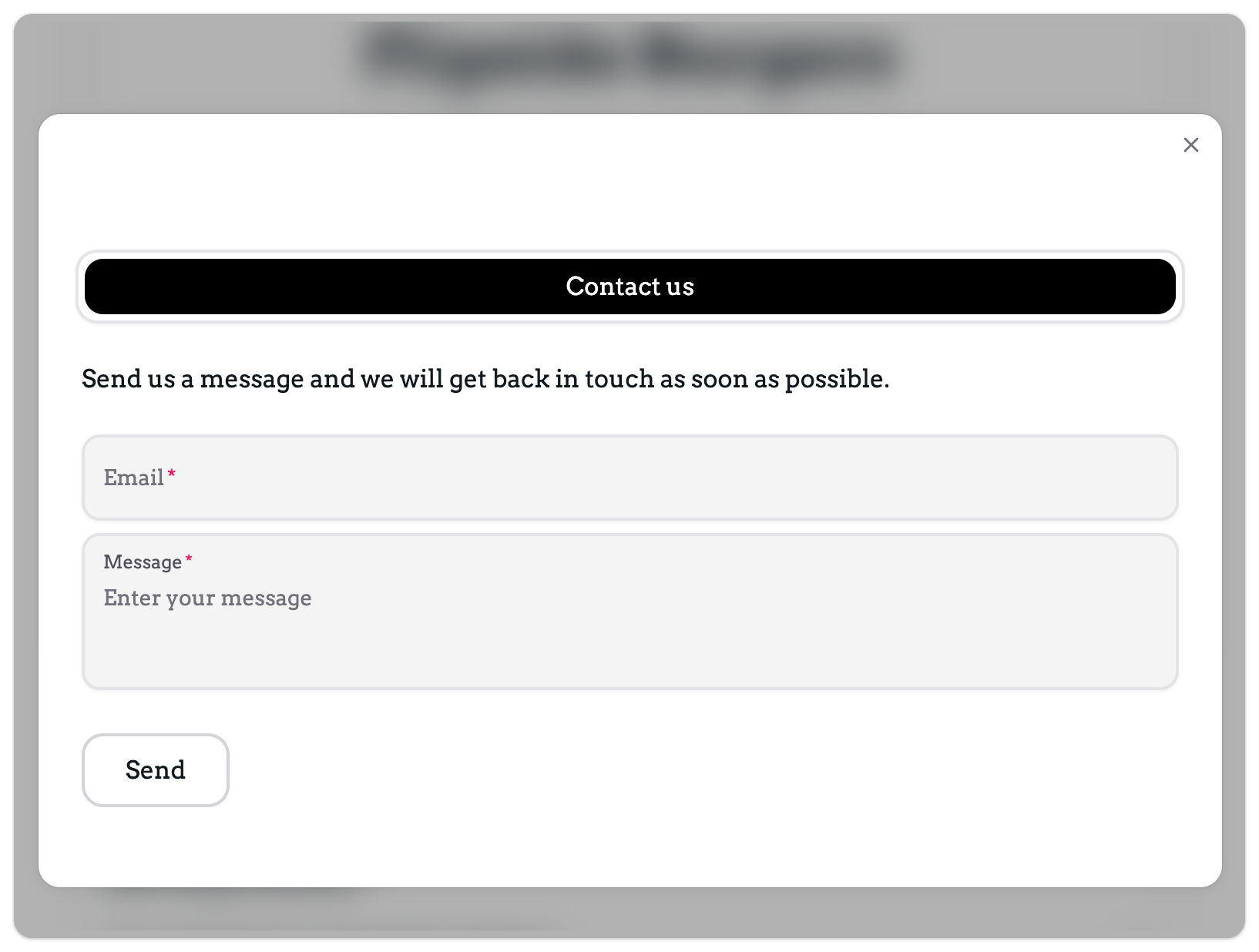
Here's the configuration screen for your contact form. You can configure where you want the email notification to be sent, what text should appear above the form and the text to display once the form has been submitted. It's all pretty simple 👇
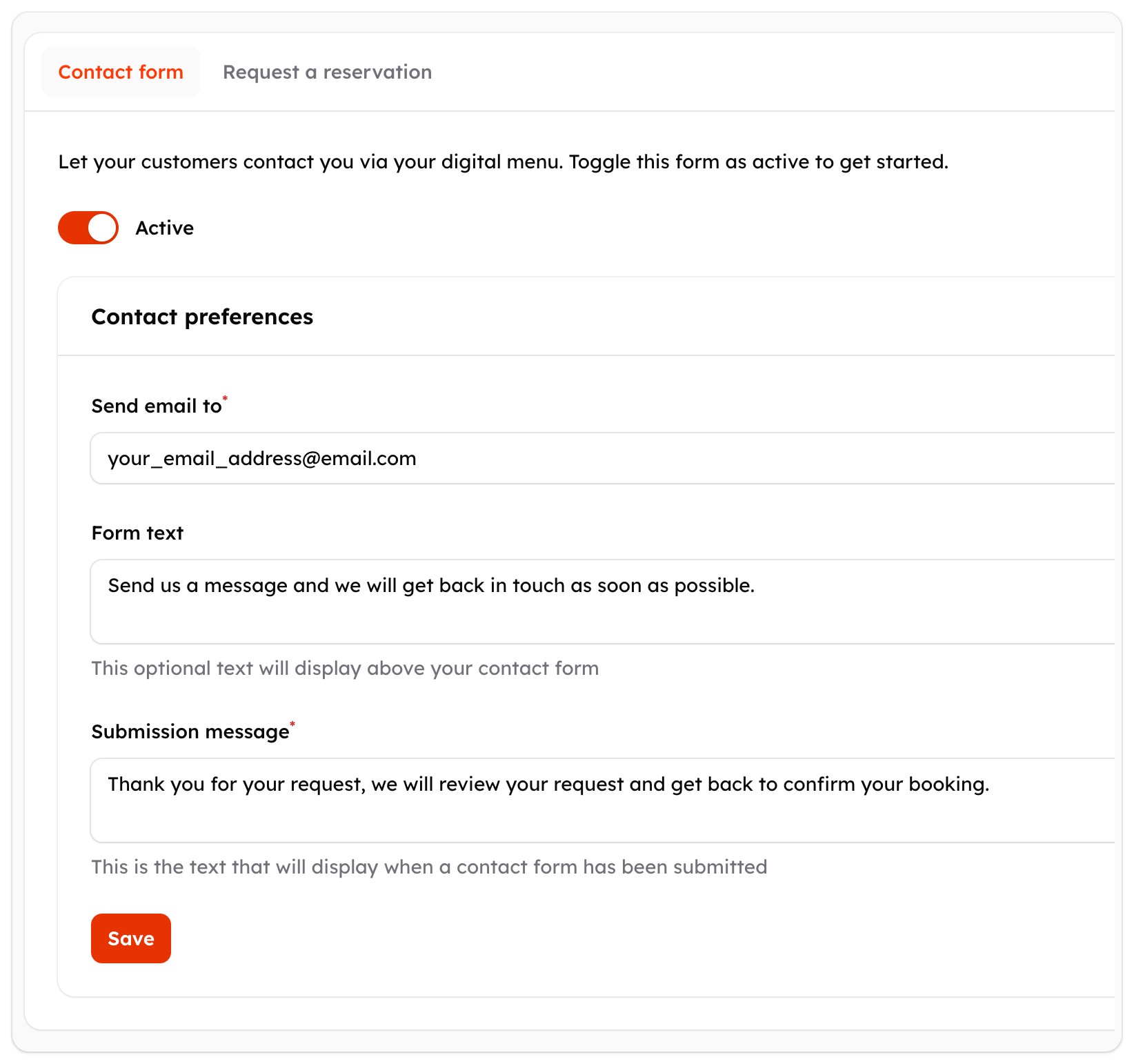
This will add a new button to your menu homepage and will allow anyone to contact you.
Reservation request
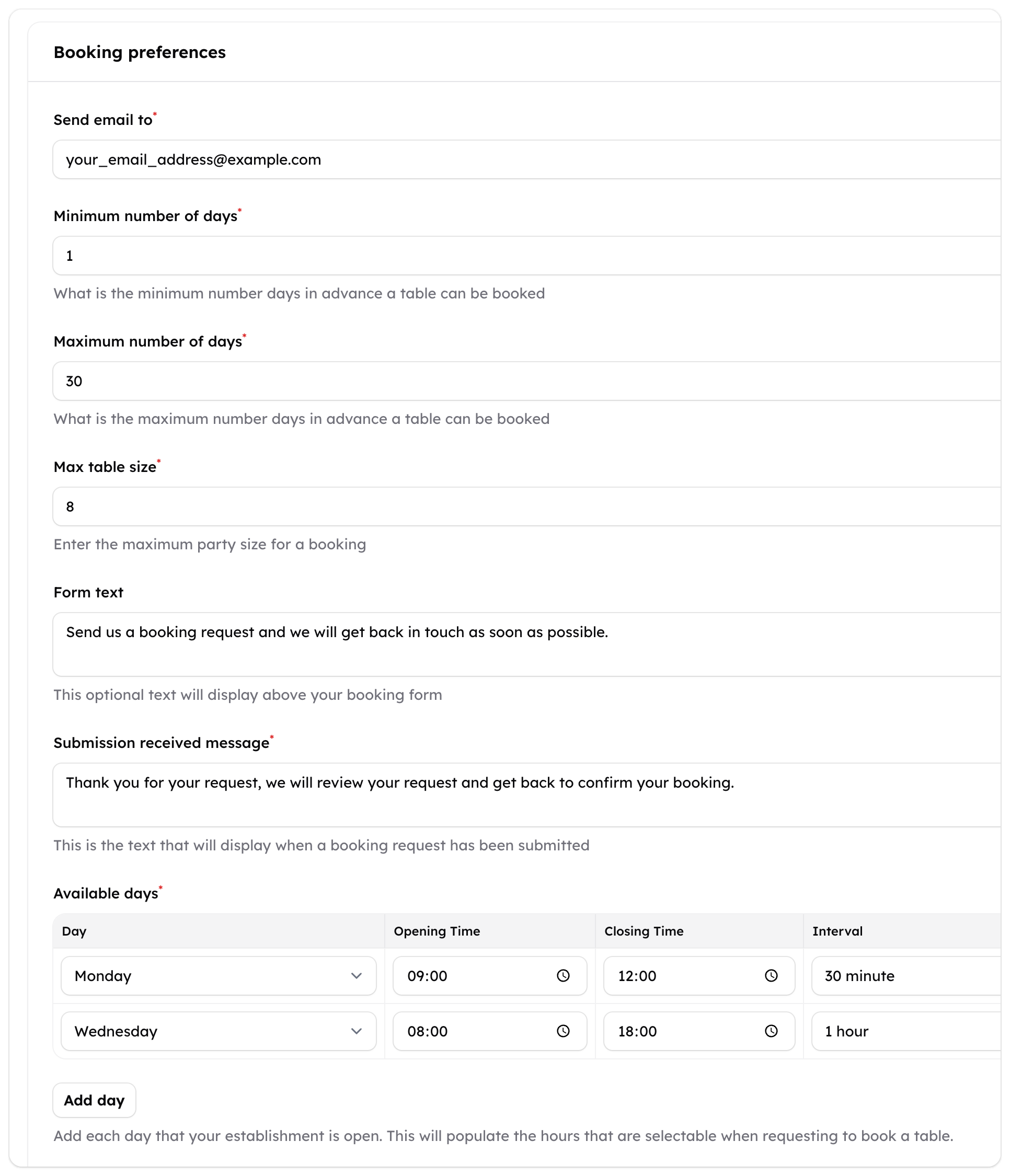
Our new reservation request form will save you so much time as it allows you to gather all the reservation details up front. Again, you can select where you would like to send the email notification. You can also select the minimum number of days notice you need for a request and the maximum number of days too. At the bottom of the form you can specify your opening days and times and also set the interval of each reservation request.
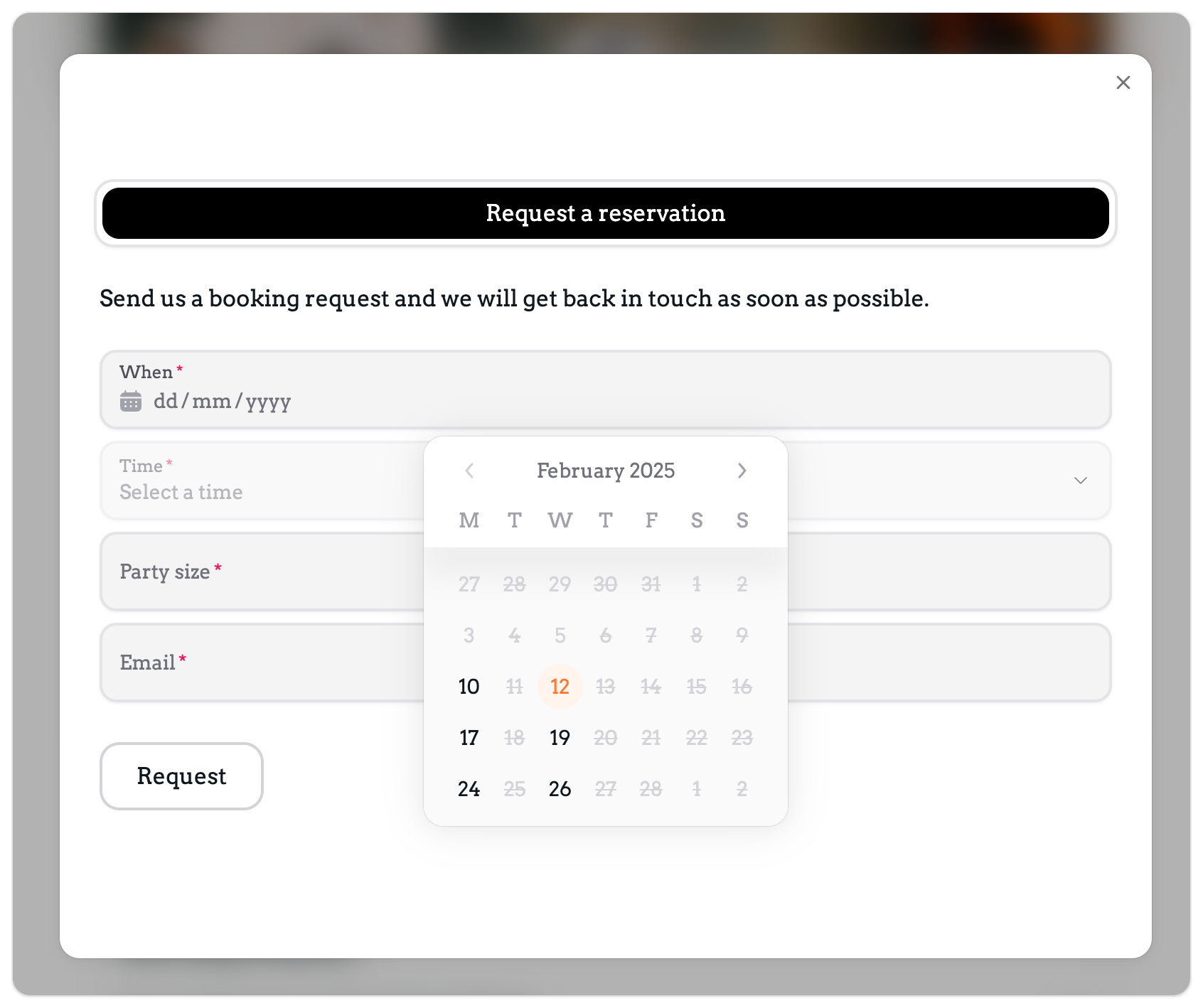
Once enabled, a new button will appear on your menu homepage allowing customers to request a reservation.
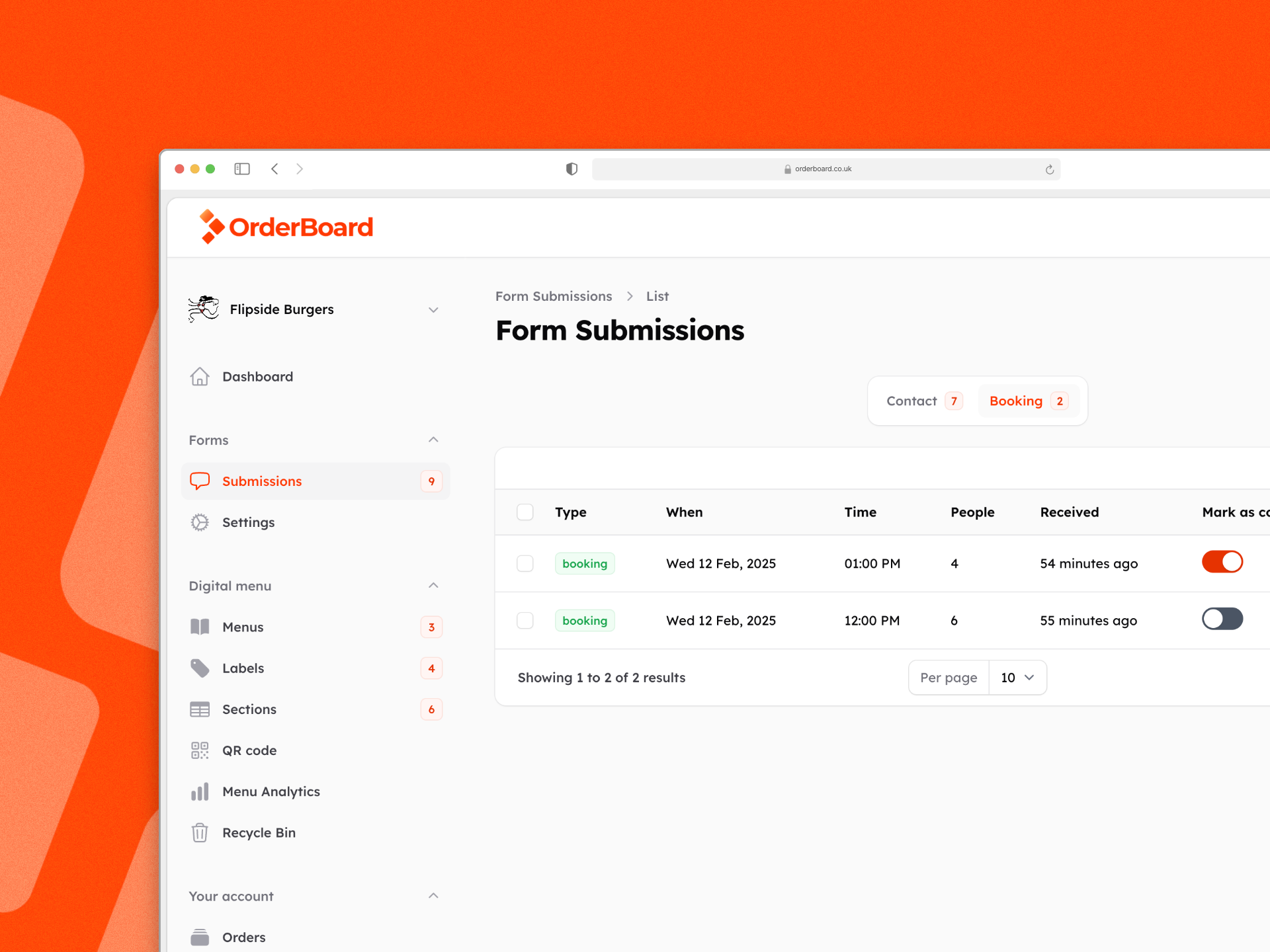
Managing your form submissions
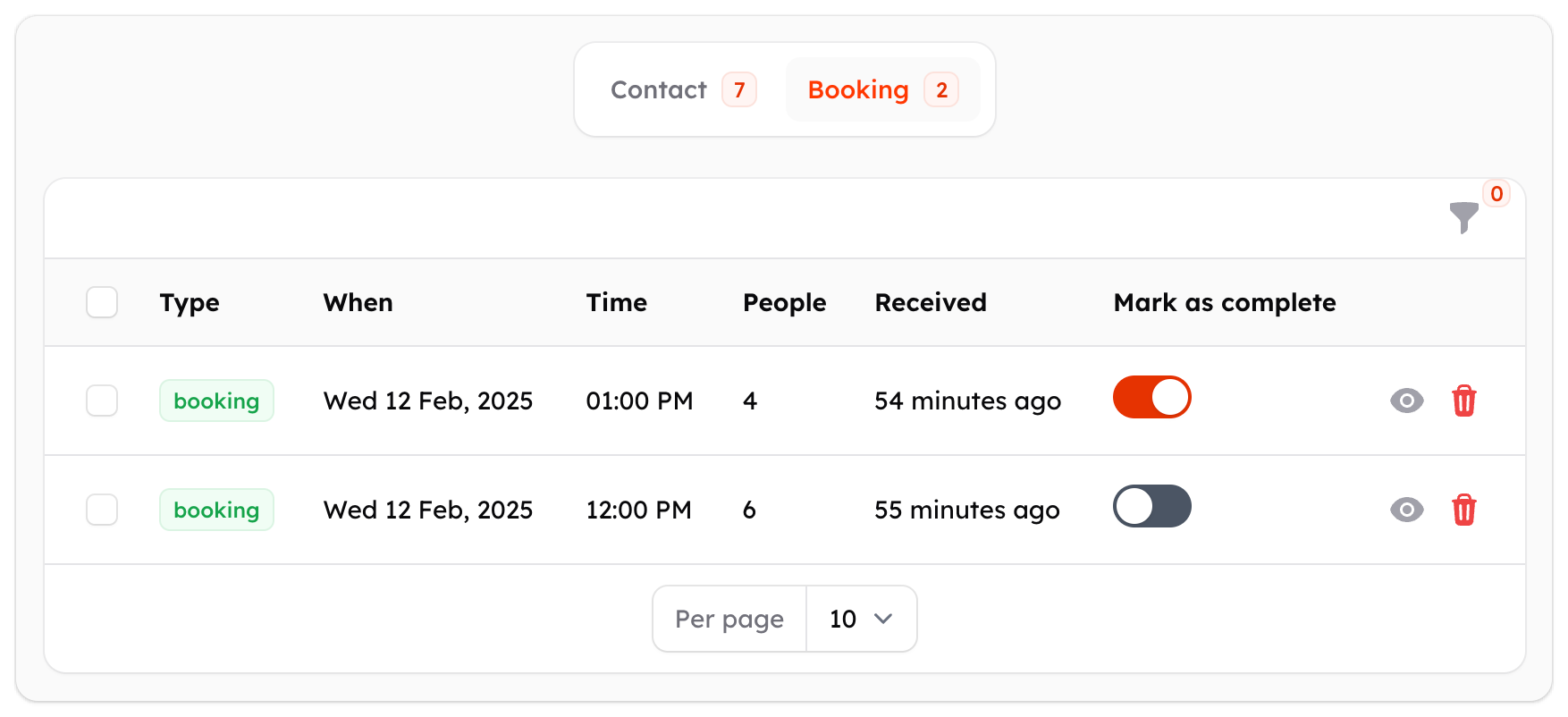
As well as receiving an email notification, all your messages and reservation requests are viewable in your OrderBoard dashboard. You can mark them as complete and reply to them via email.
What would you like to see next? Visit our road map to enter your suggestions.