Show your food hygiene rating
Our feature list continues to grow with our latest update which allows you to display your food hygiene rating provided by the UK's food standards agency.
It's super simple to add this to your digital QR code menu, here's how you can do it.
Getting started
First, sign into your account and select 'Edit this location' via the dropdown menu on the main menu. Under the location tab, scroll down to the bottom of the page and you'll find the new food hygiene rating section.
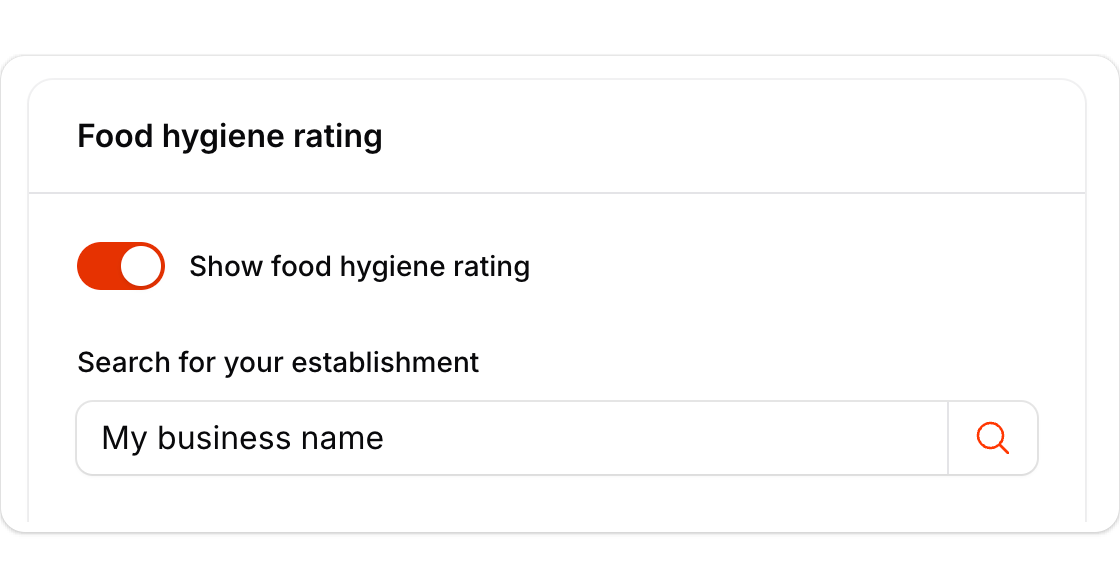
Toggle the switch to turn this feature on, enter your establishment name and press the search icon button. This will load your rating information from the food standards agency. It will retrieve your last rating date, your rating, business name and type of business.
Once done, just press 'Save changes' and you're done ?
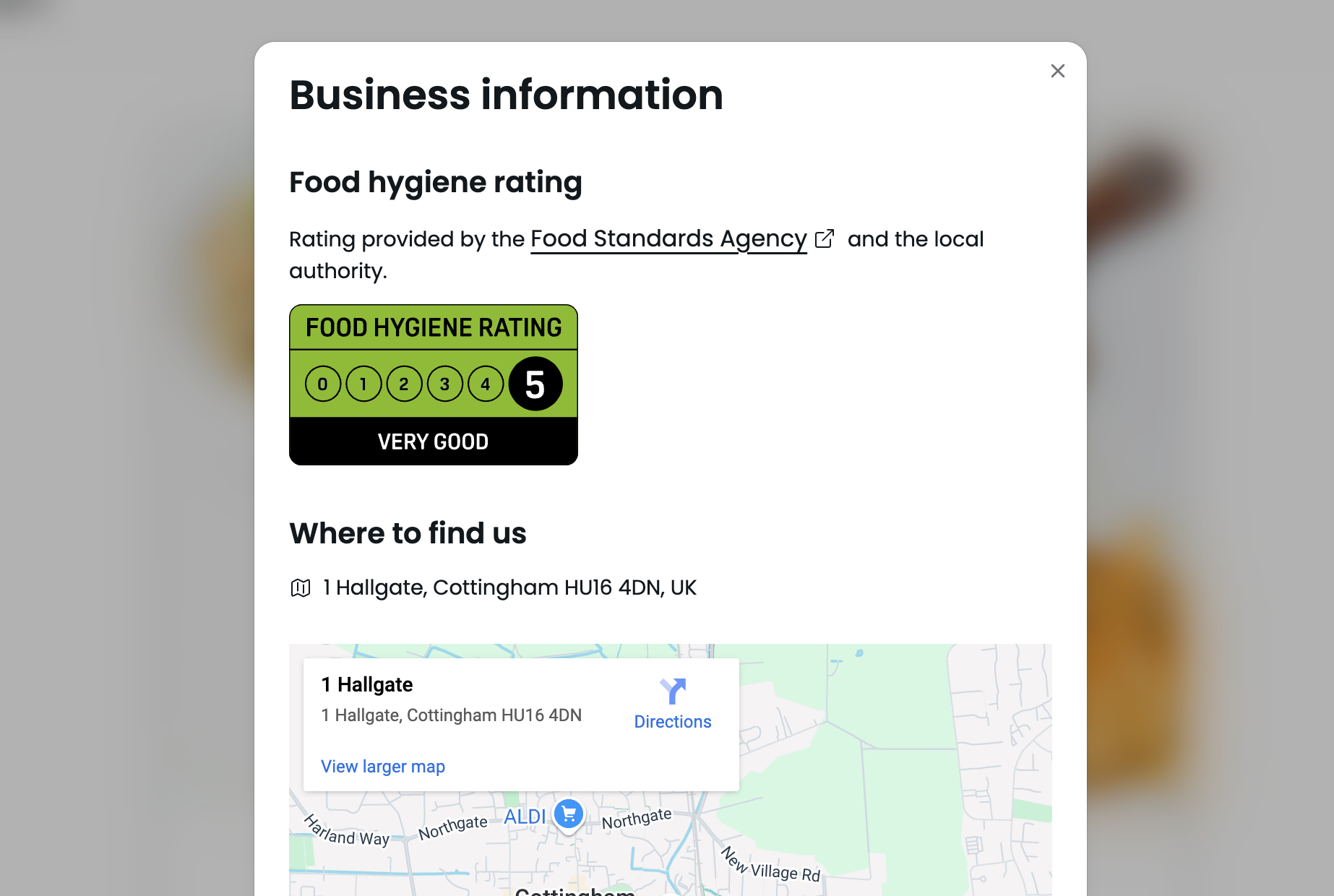
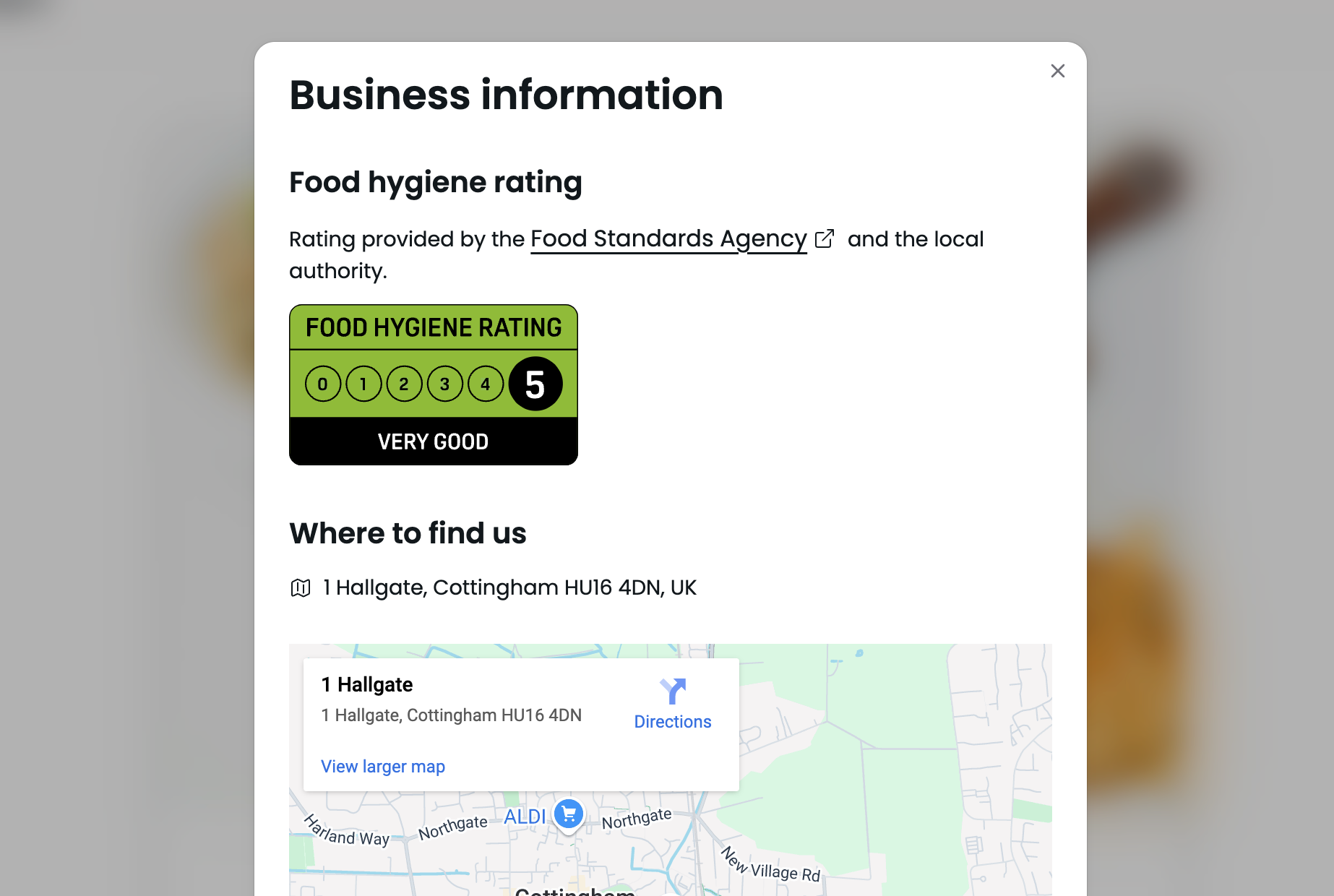
Visit your menu and press the info icon button to open up your business information:
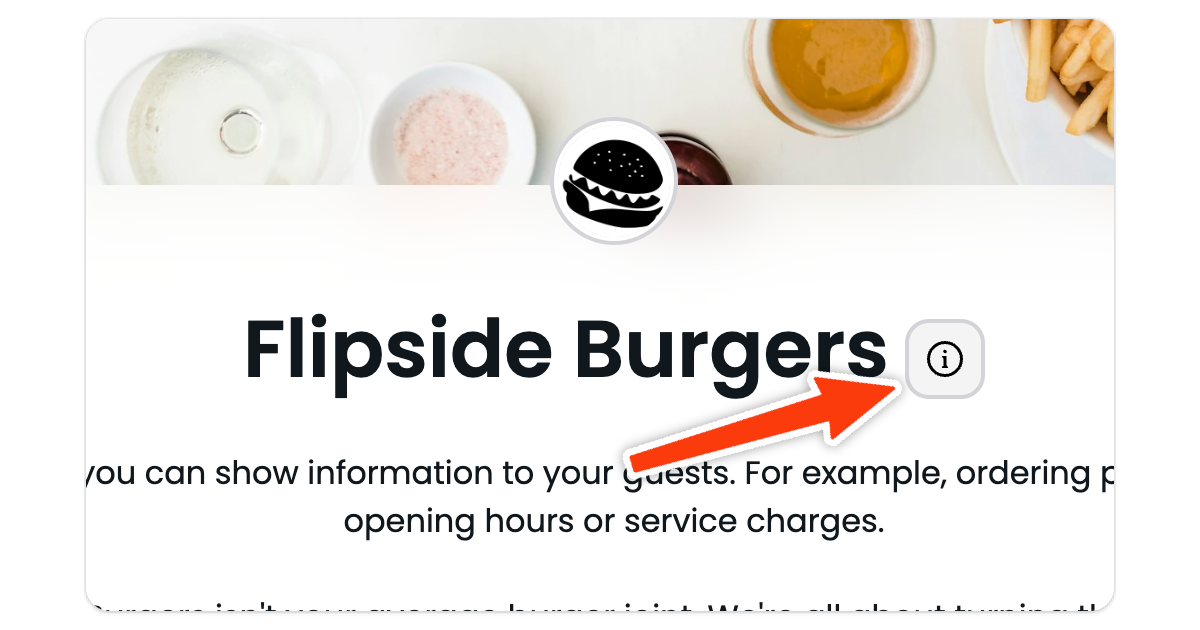
Your rating information is now displayed on your digital QR code menu. We'll check daily with the food standards agency to see if any of this information changes and update it automatically for you.
What do you think of this update ?
What would you like to see next? Visit our road map to enter your suggestions.